Ask the recipient which form, which maximum age and which signature are required.
1. Check the form and the deadline
Ask whether there is a mandatory model of their own, how old the declaration may be at most and whether an electronic signature is accepted. Note when you have to submit the documents. Also check whether a co-tenant needs a declaration of their own.
2. Ask the landlord of that rental period for help
A housing association often has a tenant portal or contact form for this request. If you rent privately, you can approach your current or previous landlord or their manager directly. State which rental period it concerns and what you need the declaration for. Ask about the processing time and allow time for checking and signing.
3. Put the declaration together with Dosya
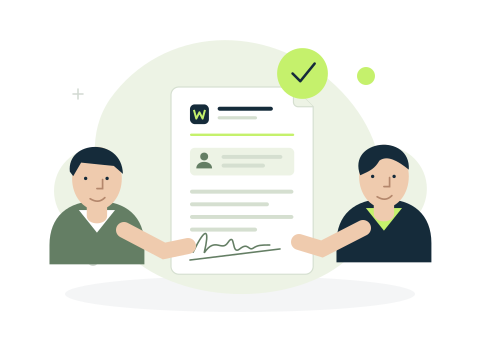
Is our document suitable for the recipient? Then you or the landlord can start. As a tenant you prepare your details and the rented address. Your landlord receives a personal link, checks the details, fills in the rental and payment information and signs digitally.
4. Pay and save all documents
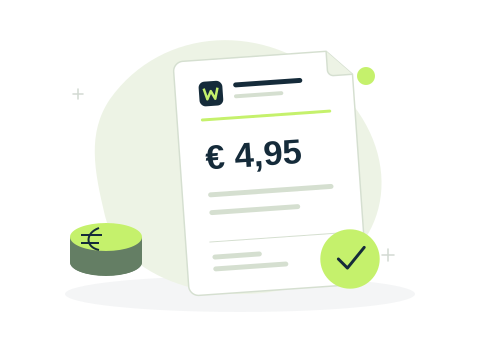
After signing, one of you can pay € 4.95 including VAT. As soon as the payment is confirmed, you both receive a download link for the declaration, the technical proof of signing and the invoice. Save them within 72 hours. Submit the declaration to your new landlord yourself.
Start your declaration.
Your landlord checks and signs. One of you pays € 4.95 at the end.
Start as a tenantView the example firstSources and review
Content updated on 10 October 2026 by Dosya B.V. The sources describe the organisations' own forms and procedures. Always check the current requirements with your recipient.
Spotted an error? Report it via the contact form and mention the page concerned.